🐰 Daily Rabbit Confirmation

Your daily dose of Web3 wisdom

67+ professional motivational affirmations focused on crypto, Web3, and Solana. Track your streak, manage tasks, swap tokens, and play mini games, all in one beautiful mobile app.

Available on Solana dApp Store
Open in dApp Store Open in dApp Store App

Open the dApp Store app on your Solana Mobile device and search for "Daily Rabbit"
Everything You Need

💬

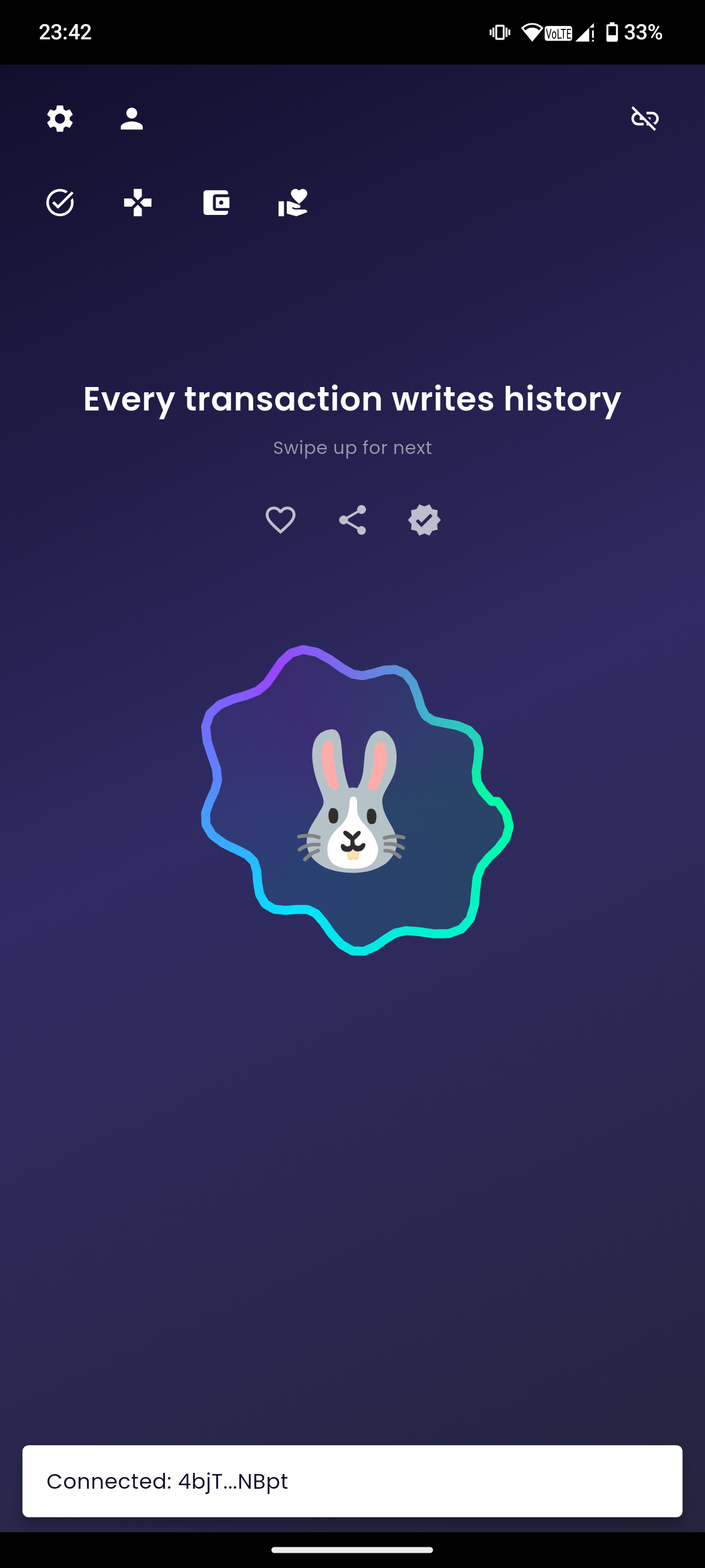
Daily Affirmations

67+ crypto-themed motivational quotes to keep you inspired

💼

Wallet Profile

View balance, copy address, explore on Solscan

📋

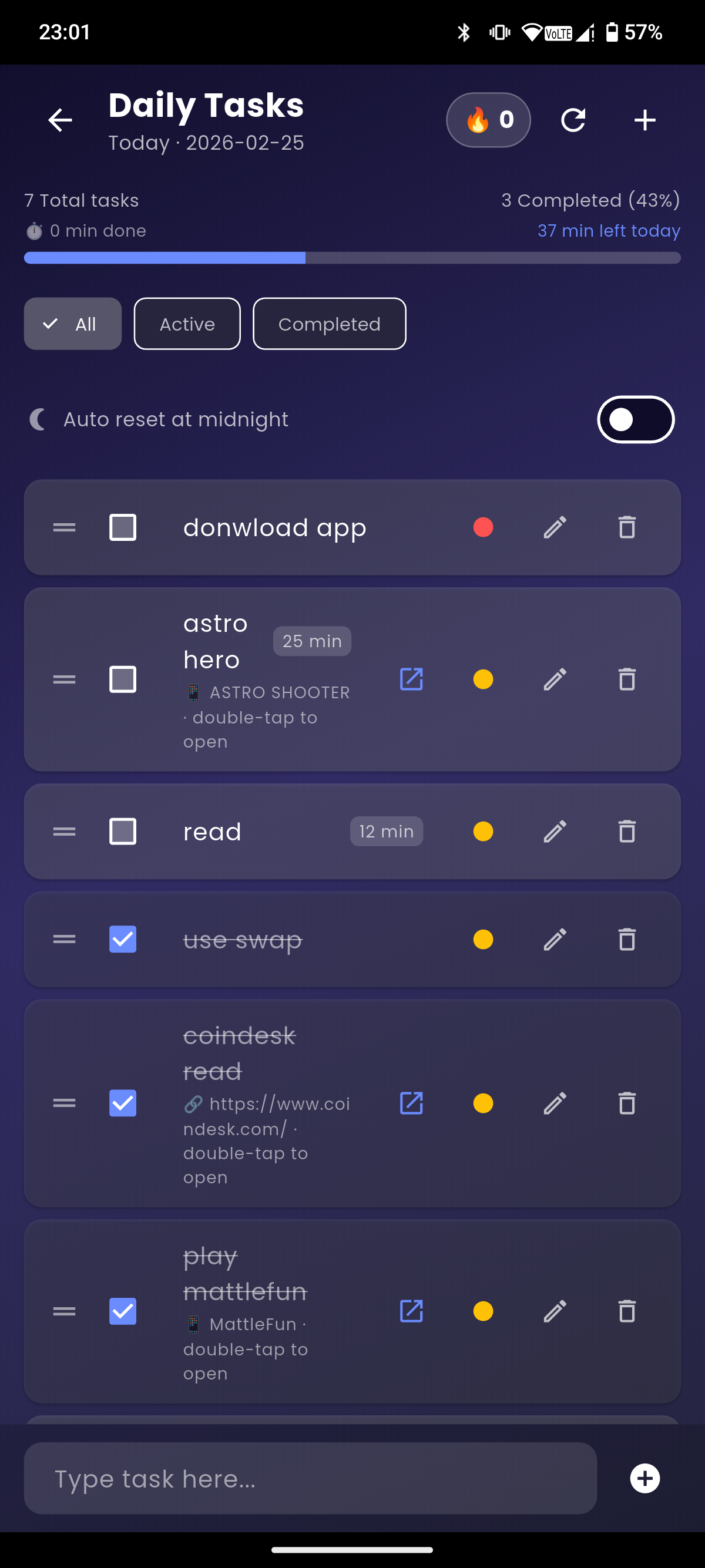
Task Manager

Organize your day with priorities and progress tracking

🐰

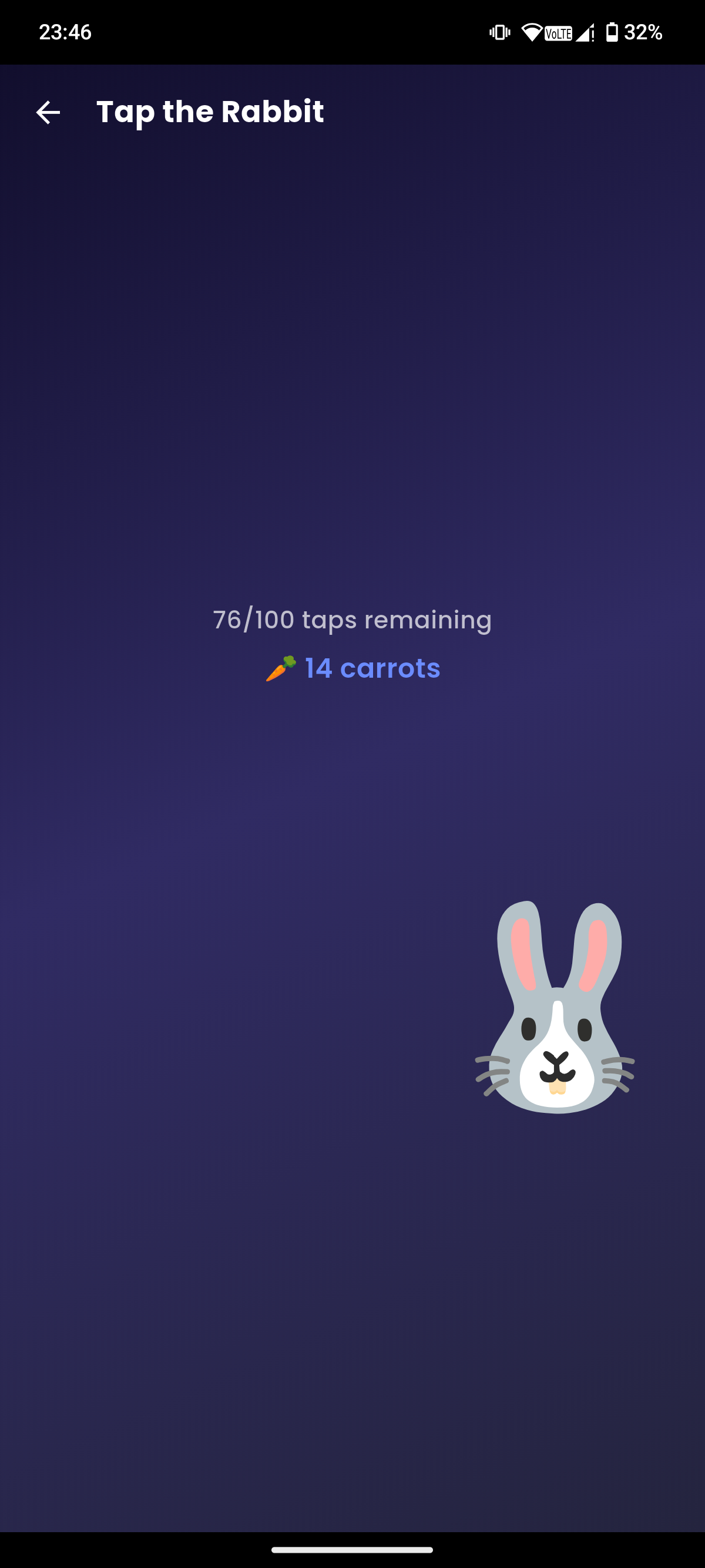
Tap the Rabbit

Earn carrots through our addictive mini-game

🏛️

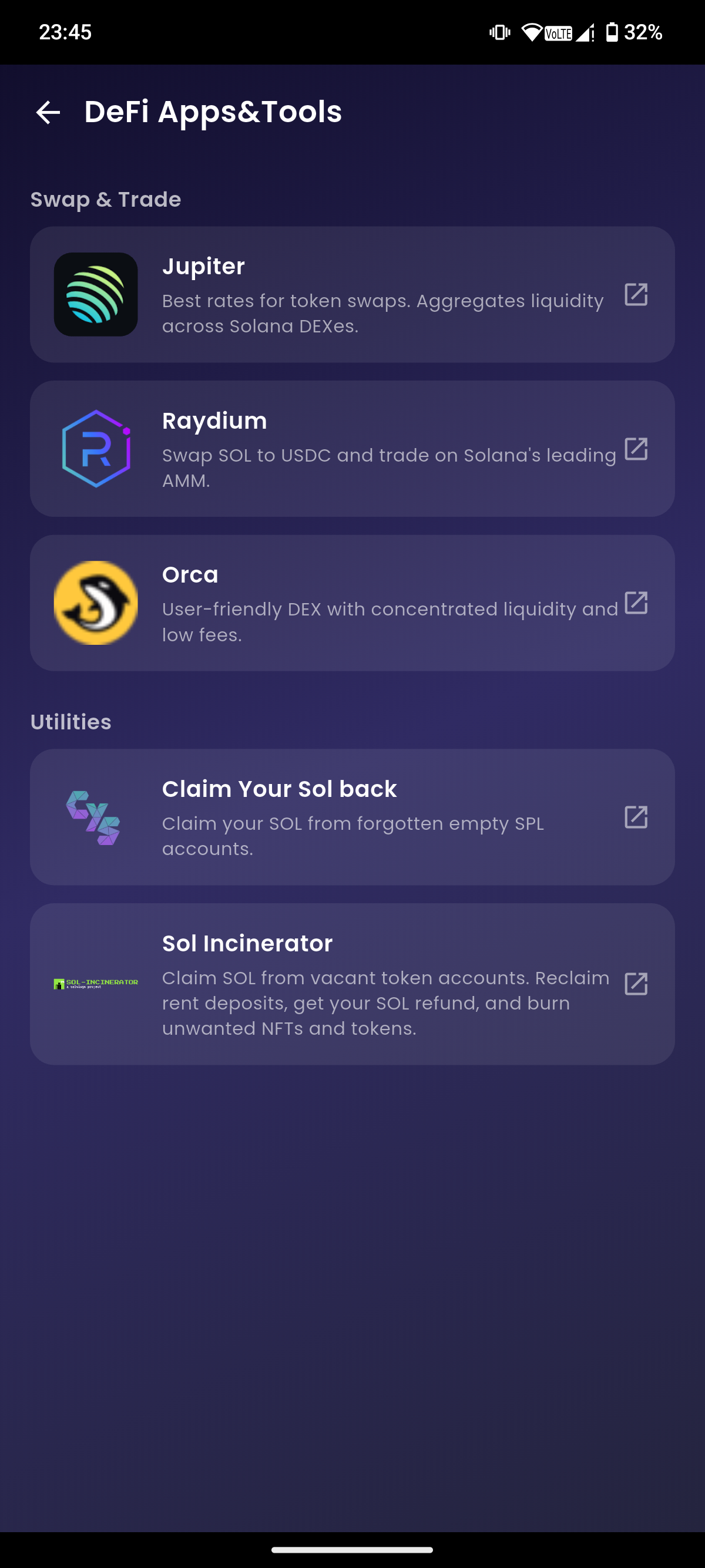
DeFi Tools

Access Jupiter, Raydium, Orca, and utility tools

🎨

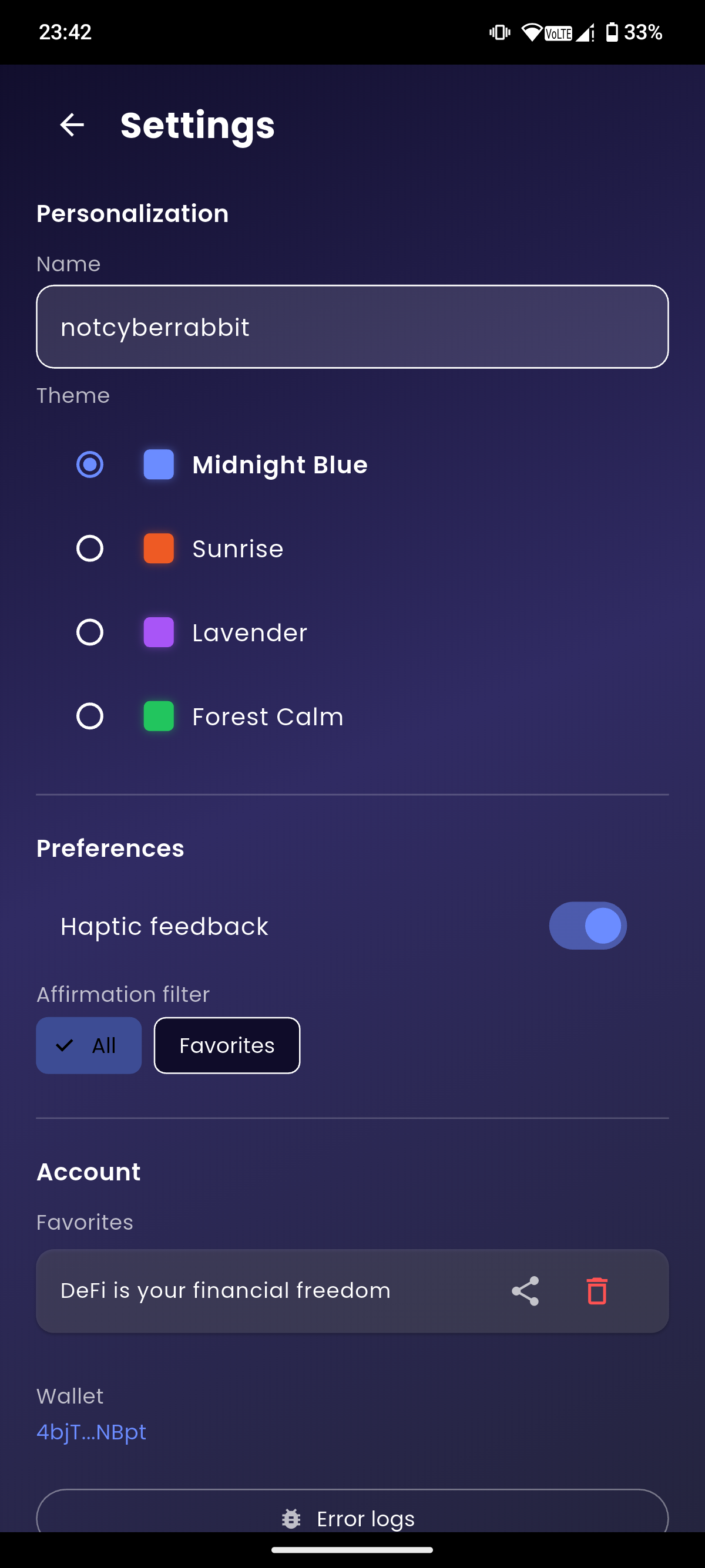
Themes

4 beautiful gradient themes to match your style

What's New

Version 1.0.2 - 26 February 2026

🔔

Customizable Notifications

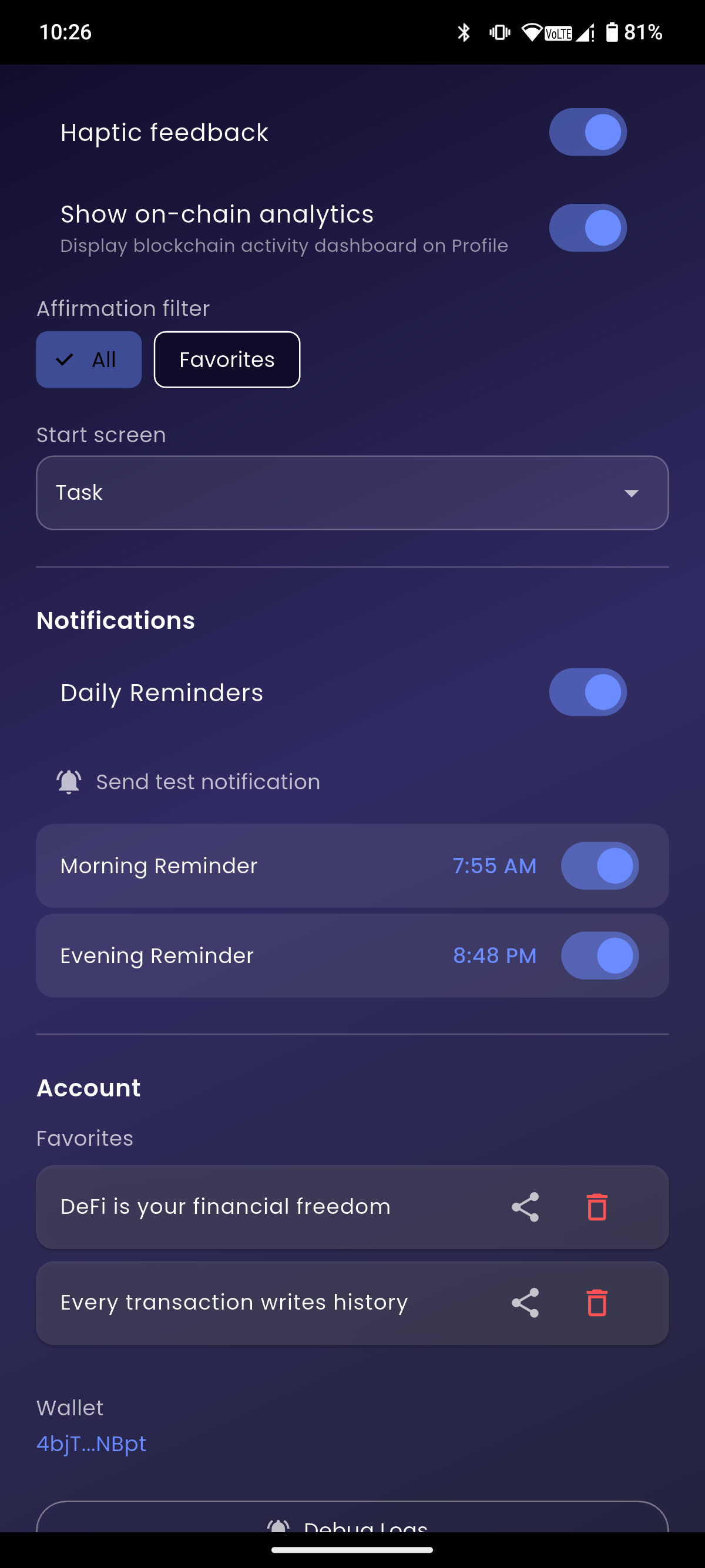
Set two daily reminders at any time you choose — a morning and an evening alert — so you never miss your daily habits.

↔️

Swipe-to-Action on Tasks

Swipe left or right on any task to quickly mark it as complete or delete it — no extra taps needed.

🌙

Auto-Reset at Midnight

Tasks can now be set to automatically reset every midnight, keeping your daily routine fresh and consistent.

⏱️

Task Time Estimates

Assign an estimated duration to each task. The app totals them up and shows how much time you have left today.

🚀

Configurable Start Screen

Choose whether the app opens to the home screen or jumps straight to your Task list — your preference, your workflow.

🎮

Game Improvements

The Tap the Rabbit mini-game received a performance and experience boost for even smoother gameplay.

📦

New: Home Screen Widget

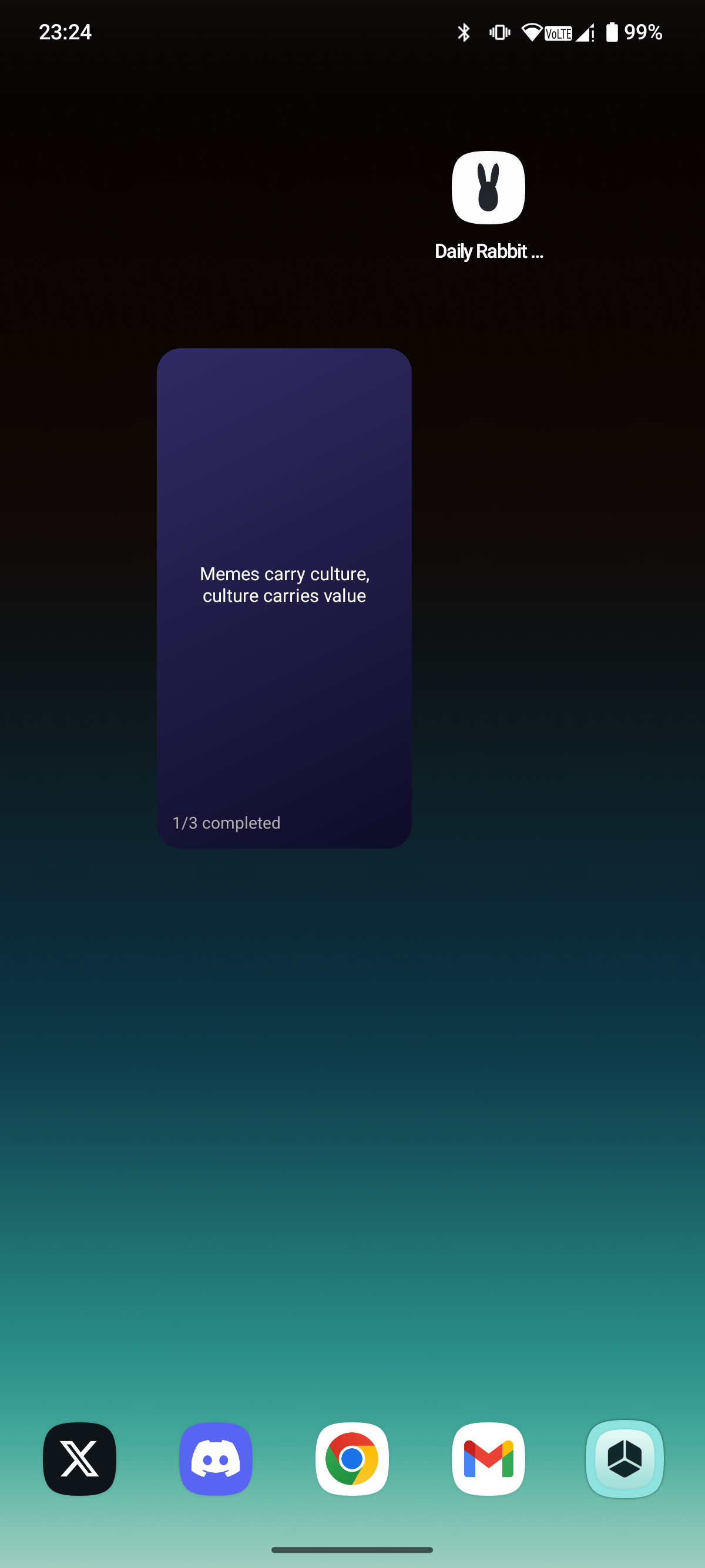
Add the Daily Rabbit widget to your home screen and see your task count and today's affirmation at a glance — without opening the app.


Version 1.0.1 - 18 February 2026

📊

Enhanced Profile

Redesigned wallet view with quick actions, improved balance display, and comprehensive stats tracking.

Smarter Tasks

Quick add input, progress tracking, swipe gestures, priority colors, and filter options for better productivity.

⚙️

Organized Settings

Clear sections with dividers, new About page with website links, and improved favorites management.

See It In Action